Instagram Post Viewer
Read a public Instagram feed without an account. StoriesDown lists each post with its caption, like count, comment count and date. Carousels open one slide at a time, and every photo or video can be downloaded. Start with a @username.
Original MP4 and JPG filesNo Instagram loginFree, nothing to install
Reading a feed without the sign-in prompt
If you aren't logged in, instagram.com lets you scroll a little and then blocks the page with a login box. The StoriesDown Instagram post viewer doesn't need a login. Our server fetches the public posts and shows them with the media, caption, location tag, like and comment counts, and the posting date.
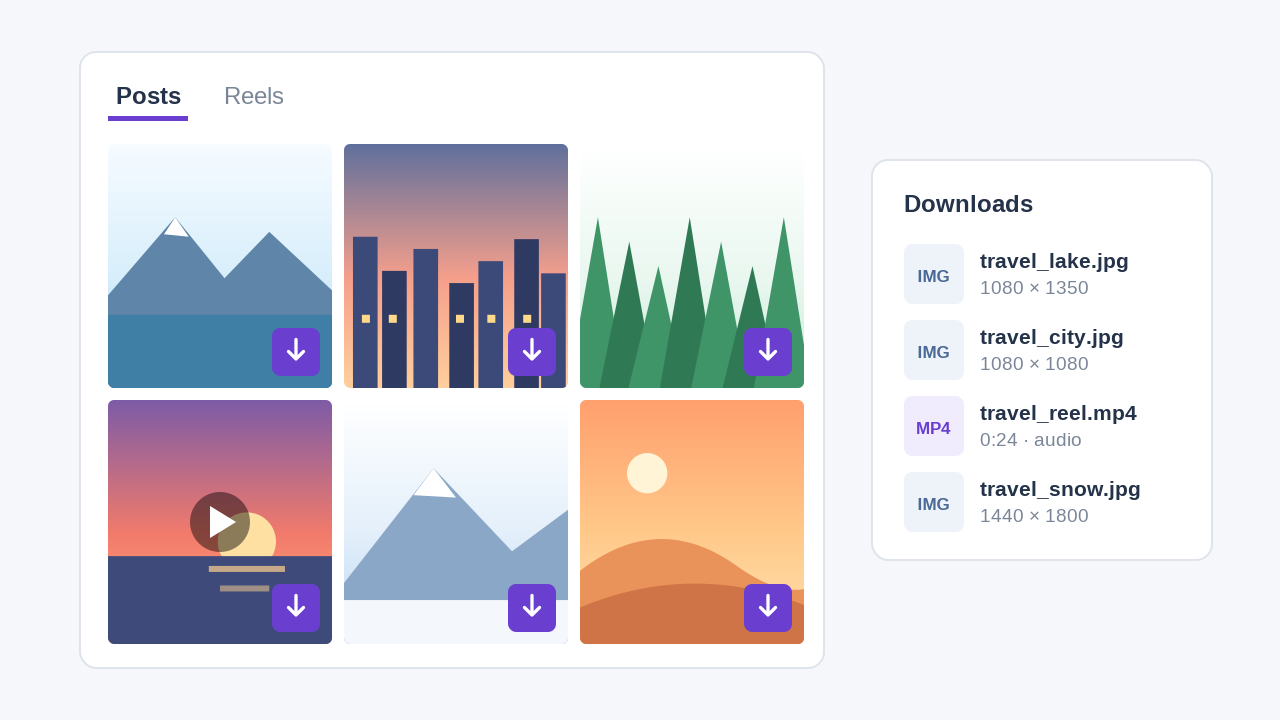
Tap a post to open it. Media sits on one side and text on the other. Carousel posts have arrows and a separate download for each slide. Videos play with sound. Load more fetches the next batch of older posts.
How to view posts
No account required.
- Find the username. On Instagram, copy the @username or the profile URL.
- Search StoriesDown. Enter it in the search field at the top and press View. The account loads with four tabs.
- Open the Posts tab. Recent posts appear first, each with its counts and caption.
- View or save. Tap a post to see it large or step through a carousel. Download saves the original file.
What the post viewer shows
- Full captions. Not cut off after one line.
- Each carousel slide. With its own download button.
- Keep scrolling. Load more continues past the point where Instagram asks you to log in.
- Real files. JPG and MP4 at the resolution Instagram provides, no overlay.
- No notification. Nothing is sent to the account owner.
- Same page, other tabs. Stories, highlights and reels for the same account.
Limits
Counts are current as of your search. When an account hides like counts, StoriesDown shows "Like count hidden" rather than a guess. Private accounts can't be viewed. Deleted or archived posts aren't available anywhere.
Posts belong to whoever made them. Keep saved files for yourself and credit the creator if you share.
Common questions
Can I see someone's Instagram posts without logging in?
Yes, if the account is public. Enter the username on StoriesDown and open the Posts tab.
Does it show likes and comments?
Yes. Both counts appear on each post along with the caption and date. Hidden like counts are labeled as hidden.
Can I see every photo in a carousel?
Yes. Use the arrows to move between slides. Each slide can be downloaded.
Is the owner notified when I view a post?
No. Instagram doesn't notify anyone about post views, and StoriesDown never logs in as you.
Can I download posts?
Yes. Photos as JPG, videos as MP4, at original quality with no watermark.
Does it work for private accounts?
No. Only public accounts are supported.
Is there a post limit?
No set limit. Press Load more until you reach the account's first post.
Is the post viewer free?
Yes. No account, no payment, no cap.
All StoriesDown tools
Story Viewer
See the current stories of a public account. No Instagram login.
Highlights Viewer
Browse saved highlights story by story, with the date each was posted.
Profile Viewer
Stories, highlights, posts, reels and the profile photo for one username.
Reels Viewer
Play public reels with audio and see view counts. Save any reel as MP4.
Story Downloader
Save stories to your device. Photos as JPG, videos as MP4.
Profile Picture
Open a profile photo at full resolution and download it.
Check a story now
Enter a public username above. Stories load in a few seconds, and you don't need an Instagram account to see them.