Instagram Profile Viewer
Enter a public @username to load the account in one place: current stories, highlights, recent posts with like and comment counts, reels with view counts, and the profile photo at full size. No Instagram login is used.
Original MP4 and JPG filesNo Instagram loginFree, nothing to install
What this profile viewer loads
Logged out, instagram.com shows a few posts from a profile and then asks you to sign in. The StoriesDown Instagram profile viewer skips that step. It requests the public data for the username you enter and sorts it into separate tabs for stories, highlights, posts and reels.
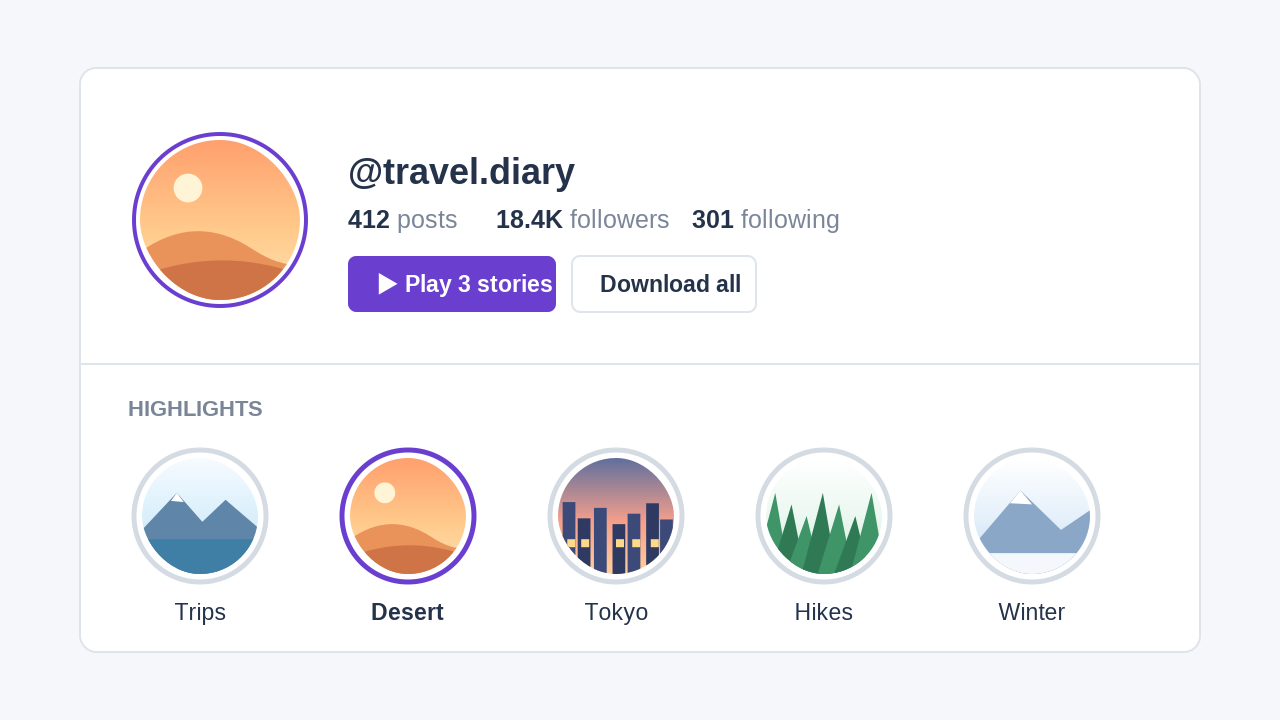
Each post lists its caption, date, likes and comments. Each reel lists its view count. Highlights keep the date of every story inside them. The profile photo opens at the largest size Instagram stores. Since no Instagram account is involved, the person you look up gets no notice.
How to use the profile viewer
It takes a few seconds.
- Get the username. Copy the @username from Instagram. A full profile URL also works.
- Paste and press View. Put it in the box at the top of this page. The request goes from our server, not from your browser to Instagram.
- Pick a tab. Stories, Highlights, Posts and Reels are separate tabs on the same page.
- Open or download. Tap any item to view it large. The Download button saves the original file.
What you get
- One page per account. All public content for a username in a single view.
- Counts shown. Likes, comments and reel views are listed where Instagram provides them.
- No login. You never enter an Instagram password here.
- Older posts too. Load more pulls the next page of posts, as far back as the account goes.
- Downloads. JPG for pictures, MP4 with audio for video.
- Works in any browser. Phone or computer. Nothing to install.
Limits
Only public accounts can be loaded. If an account is private, StoriesDown says so and shows nothing else. We also can't tell you who visited a profile, who viewed a story, or who unfollowed someone. Instagram does not make that data available.
Numbers are fetched when you search, so a post that is getting likes quickly may show a slightly lower count than the app. Everything you see belongs to the account owner. Downloads are for personal use.
Common questions
Is an Instagram account required for the profile viewer?
No. Type a public username and the profile loads. There is no sign-up and no login.
Will the person know I looked at their profile?
No. Instagram doesn't tell people who visited their profile, and StoriesDown doesn't log in to any account when it loads one.
Can I see likes and comments?
Yes, for each post. If the owner turned off like counts, you'll see "Like count hidden" instead.
Are reels included?
Yes. Open the Reels tab. Each reel shows its view count and can be played or saved as MP4.
Can StoriesDown open private profiles?
No. Private accounts are only visible to followers the owner approved. We don't try to get around that.
How many posts can I see?
The newest ones load first. Press Load more to keep going back through the account.
Does it cost anything?
No. It's free and there is no daily limit.
Can I use it on my phone?
Yes. Open storiesdown.net in Safari, Chrome or any mobile browser.
All StoriesDown tools
Story Viewer
See the current stories of a public account. No Instagram login.
Highlights Viewer
Browse saved highlights story by story, with the date each was posted.
Post Viewer
Scroll a public feed with captions, like counts and comment counts.
Reels Viewer
Play public reels with audio and see view counts. Save any reel as MP4.
Story Downloader
Save stories to your device. Photos as JPG, videos as MP4.
Profile Picture
Open a profile photo at full resolution and download it.
Check a story now
Enter a public username above. Stories load in a few seconds, and you don't need an Instagram account to see them.