Instagram Profile Picture Downloader
Instagram shows profile photos as a small circle and gives you no way to enlarge them. StoriesDown loads the full-size profile picture of a public account, so the photo is big enough to make out and you can save it. No login.
Original MP4 and JPG filesNo Instagram loginFree, nothing to install
Why you can't enlarge a profile photo on Instagram
In the app, tapping a profile photo either opens the person's story or does nothing. There's no zoom. The larger image is stored by Instagram, but the app doesn't show it.
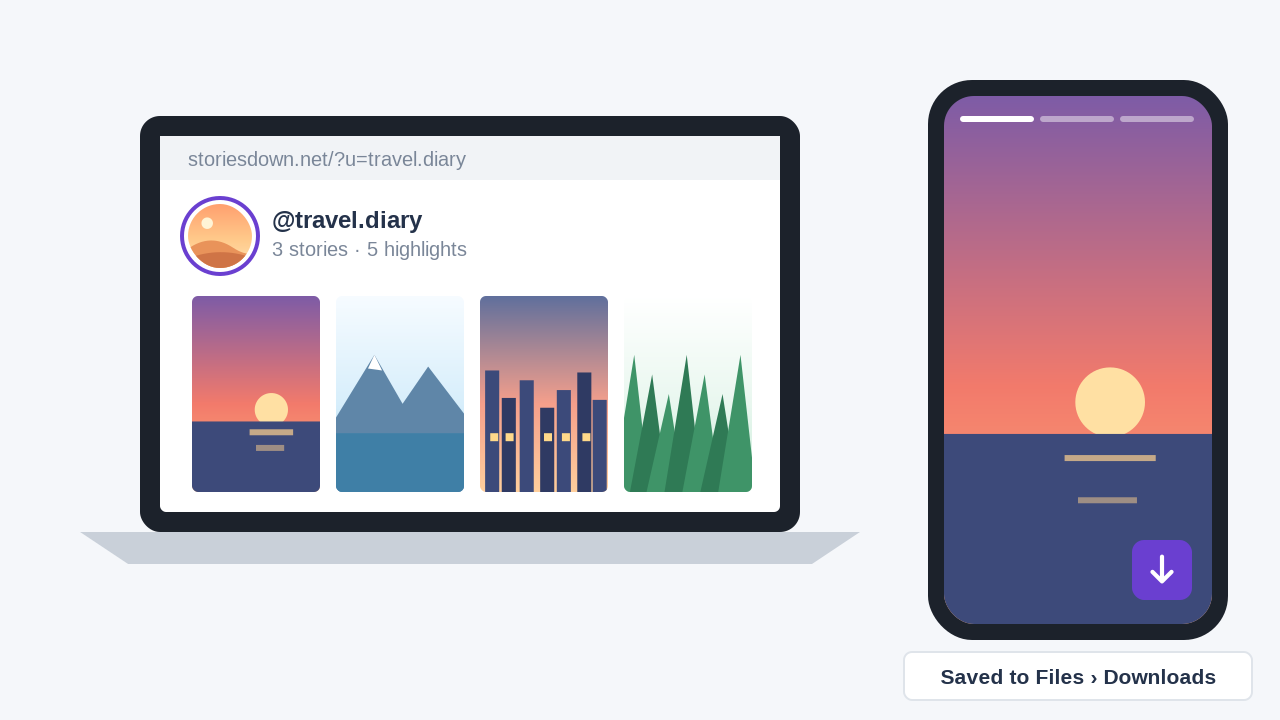
The StoriesDown profile picture downloader requests that larger image. Search a public username and the photo appears on the profile card with a download button. Tap it to save the full-resolution JPG. No Instagram account is used, so the owner isn't notified.
How to get the full-size photo
Search and tap.
- Copy the username. Copy the @username of the account, or its profile URL.
- Search StoriesDown. Enter it in the search field at the top and press View. The photo shows on the profile card.
- Download. Tap the button next to the photo. The full-resolution image saves right away.
- Look around. Stories, highlights, posts and reels for the account are on the same page.
Common uses
- See who it is. A face is hard to make out at thumbnail size.
- Check for fake accounts. Compare a suspicious profile's photo with the real one.
- Save a logo. Useful for a brand's profile photo in a slide or mood board.
- Get your own back. If you no longer have the original of your profile photo.
- Keep a copy before it changes. Accounts swap photos without notice.
- No notification. The owner isn't told the photo was viewed or saved.
Limits
You get the largest version Instagram stores, usually at least 1080 pixels wide, as a JPG with no watermark. It isn't an upscaled thumbnail.
Private accounts aren't supported, and once an account changes its photo the old one can't be retrieved. Don't use someone's photo to pretend to be them.
Common questions
Is the owner notified when I save their profile picture?
No. Instagram doesn't track profile photo views, and StoriesDown doesn't log in.
How big is the downloaded image?
The largest size Instagram keeps. That is normally 1080 px across or more, in JPG format.
Does it work for private accounts?
No. Only public accounts can be searched.
Do I need to log in?
No. StoriesDown never asks for a login.
Can I download my own profile picture?
Yes, if your account is public. Search your username and tap the download button.
Is it free?
Yes. Save as many profile pictures as you want.
What am I allowed to do with the picture?
The photo belongs to the account owner. Keep it for personal use and never use it to impersonate anyone.
Can I use it on iPhone?
Yes. In Safari or Chrome, the image saves to Photos or the Files app.
All StoriesDown tools
Story Viewer
See the current stories of a public account. No Instagram login.
Highlights Viewer
Browse saved highlights story by story, with the date each was posted.
Profile Viewer
Stories, highlights, posts, reels and the profile photo for one username.
Post Viewer
Scroll a public feed with captions, like counts and comment counts.
Reels Viewer
Play public reels with audio and see view counts. Save any reel as MP4.
Story Downloader
Save stories to your device. Photos as JPG, videos as MP4.
Check a story now
Enter a public username above. Stories load in a few seconds, and you don't need an Instagram account to see them.