Instagram Reels Viewer
Logged-out visitors can't open the Reels tab on Instagram. On StoriesDown you can. Enter a public @username to see the account's reels with view counts, play them with sound, and save any reel as an MP4.
Original MP4 and JPG filesNo Instagram loginFree, nothing to install
Reels from a profile, no login
Without an account, Instagram doesn't show a profile's Reels tab, and scrolling soon brings up a login box. The StoriesDown Instagram reels viewer fetches an account's public reels on our server and lists them newest first. Your own Instagram account, if you have one, is never used.
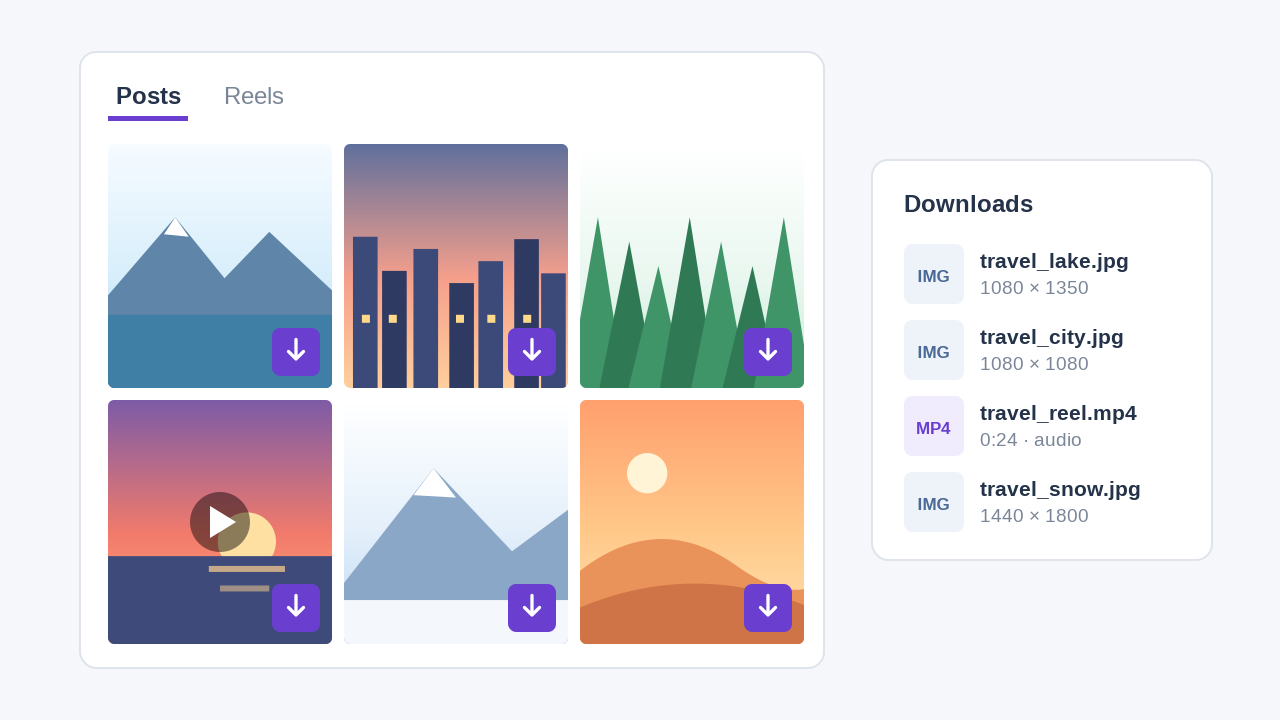
Each reel tile shows a view count. Tap one to play it with its original audio, with the caption and like and comment counts beside it. The Download button saves the MP4 as Instagram serves it. Load more brings in older reels.
How to watch reels
Works in a browser.
- Copy the username. Get the @username of the account from Instagram.
- Search. Paste it above and press View. The account loads with its tabs.
- Open Reels. Tap the Reels tab. The newest reels appear first, each with a view count.
- Play or save. Tap a reel to start playback with audio. Download saves it as MP4.
What you get
- The full reels list. Not just the few tiles Instagram shows before the login box.
- View counts. Compare reels at a glance.
- Audio kept. Music and voice play as posted.
- Reels downloader. MP4 in the original resolution, no watermark.
- Not linked to you. No Instagram account is used, so the creator sees nothing.
- Rest of the profile. Stories, highlights, posts and profile photo are a tab away.
Limits
Reels from private accounts can't be shown. Deleted or archived reels are gone. A reel uploaded in the last few minutes might not appear right away.
View counts are read at search time and can trail the app on a reel that is growing fast. Reels belong to their creators. Save them for personal use and credit the creator when sharing.
Common questions
Is it possible to watch reels with no Instagram account?
Yes. Search a public username on StoriesDown and open the Reels tab.
Can I see how many views a reel has?
Yes. The view count is on each tile. Likes and comments show when you open the reel.
Is sound included in the download?
Yes. The MP4 keeps the original audio track.
Does the creator see that I watched?
No. Without an Instagram account involved, there is no view to credit to you.
Can I watch reels from a private account?
No. Private accounts aren't supported.
Can I paste a reel link?
You can paste a profile link and the username is read from it. To find a specific reel, load the account and pick it from the list.
How much does it cost?
Nothing. There's no limit on reels watched or saved.
Will it work on an iPhone?
Yes. Reels play in Safari, and downloads go to the Files app or Photos.
All StoriesDown tools
Story Viewer
See the current stories of a public account. No Instagram login.
Highlights Viewer
Browse saved highlights story by story, with the date each was posted.
Profile Viewer
Stories, highlights, posts, reels and the profile photo for one username.
Post Viewer
Scroll a public feed with captions, like counts and comment counts.
Story Downloader
Save stories to your device. Photos as JPG, videos as MP4.
Profile Picture
Open a profile photo at full resolution and download it.
Check a story now
Enter a public username above. Stories load in a few seconds, and you don't need an Instagram account to see them.